
CASE STUDY
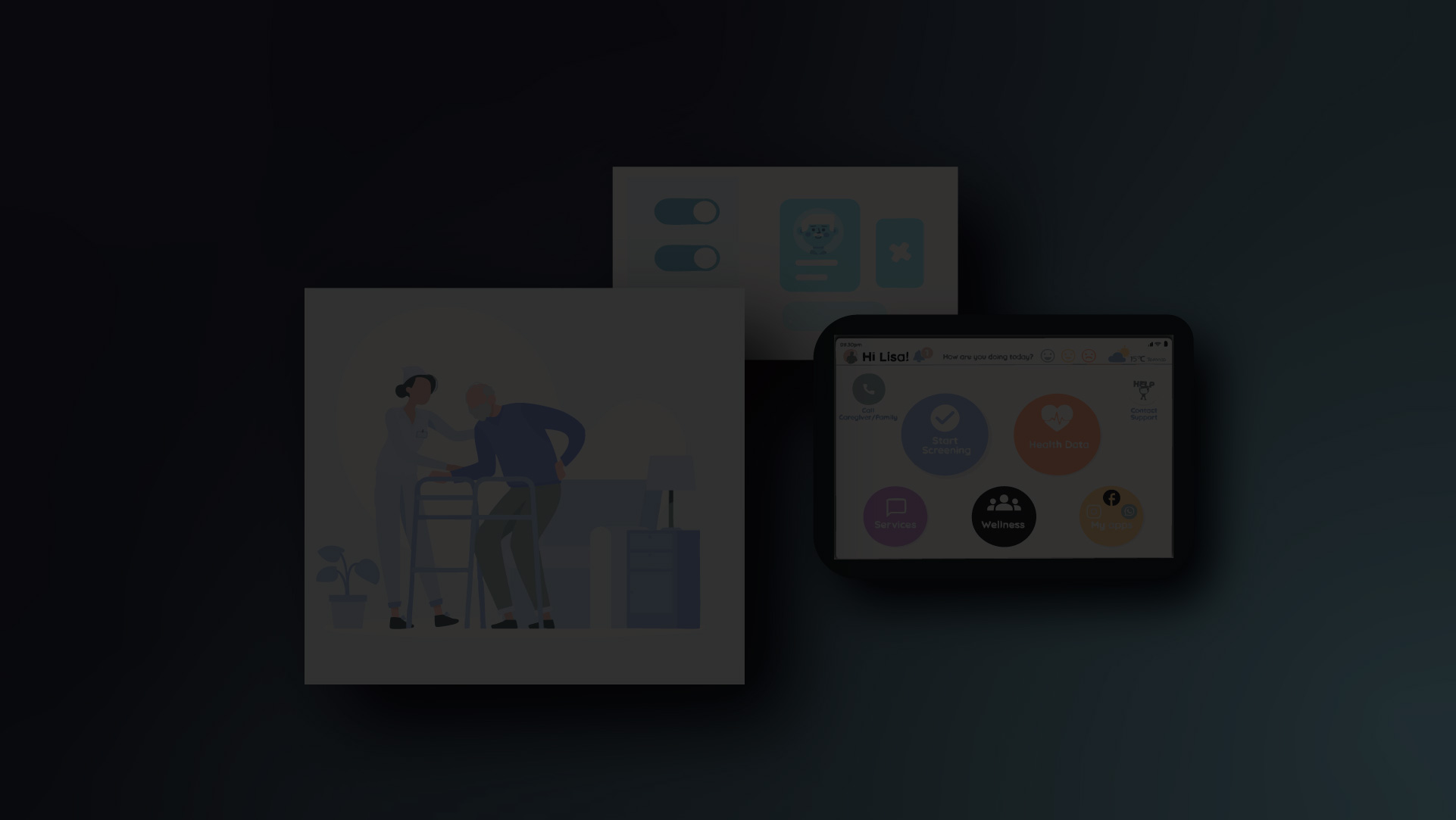
Safe@Home by SenSight is a smart
remote-monitoring platform for
older adults aged 70–80 and above.
It predicts health risks, detects falls, and gives caregivers real-time insights to support safer, independent living.

Product Overview
Safe@Home is The prognostic algorithms of SenSights.AI Health Intelligence platform ingest health data from multiple remote patient monitoring devices, patients and environmental data sources in order to predict illness propensity risk as well as fall detection, geo-fencing and tracking and many more features which make it the go-to choice for non-institutionalised older adults. It is a one stop platform that offers multiple health solutions from cardiac monitoring services to diabetes and Chronic Obstructive Pulmonary Disease (COPD) remote patient monitoring.
Goals
Design an intuitive tablet and mobile interface for seniors aged 70–80+.
Enable caregivers and healthcare facilities to monitor seniors’ health and location in real time.
Integrate key features, fall detection, heart rate and blood pressure tracking, geo-fencing alerts—within a highly accessible UI using large icons, high contrast, and simple navigation to support users with visual, hearing, or mobility limitations.
Purpose & Problem
To create an inclusive, accessible version of the LocateMotion app that empowers seniors to live independently while keeping caregivers informed. The human-centered design enhances trust, clarity, and comfort, making technology easy and supportive for elderly users in healthcare environments.
Duration
4 months (Real-world client project under SenSights.AI)
Role & Responsibilitie
UI/UX Designer, user research, wireframing, prototyping

Stakeholder Map
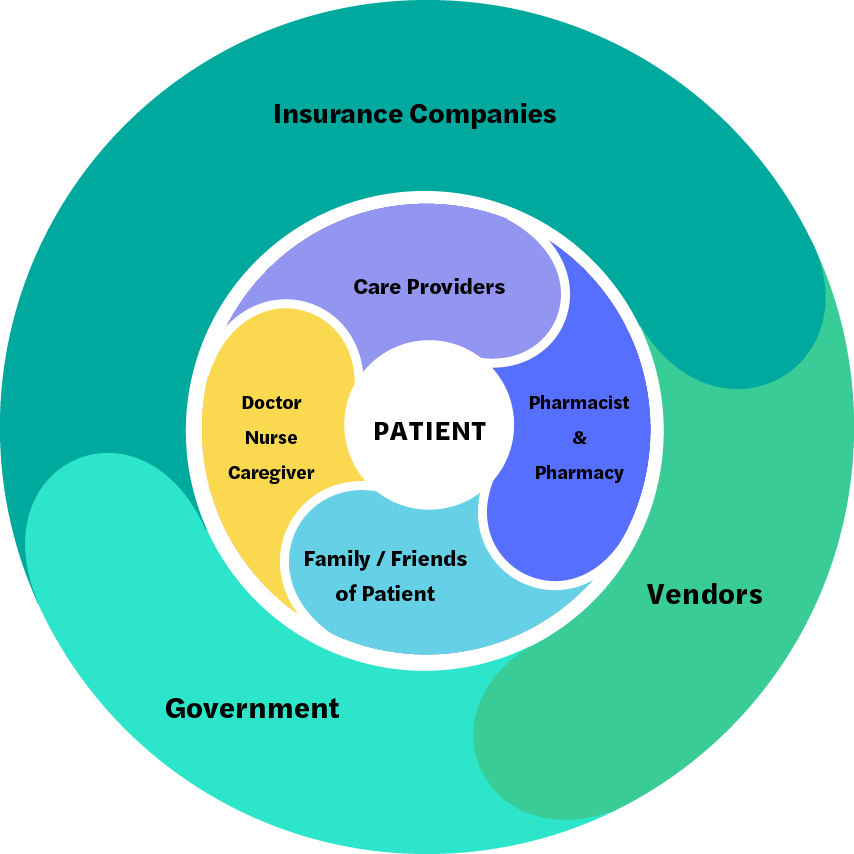
The stakeholder map provides a strategic overview of all individuals and organizations that directly or indirectly interact with the product ecosystem. By mapping these relationships, the team gains a clearer understanding of influence, dependency, and collaboration paths around the core user, ensuring that design decisions align with
real-world needs and organizational goals.
User Research & Empathy Mapping

Patient
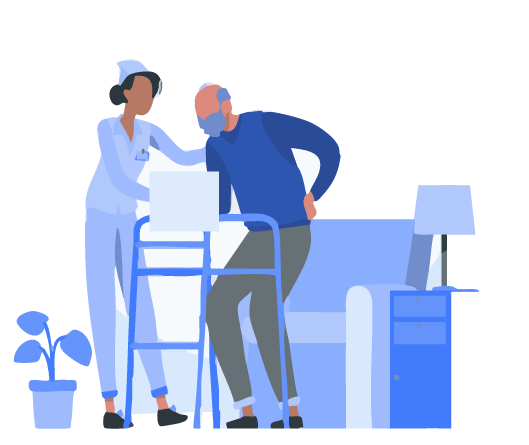
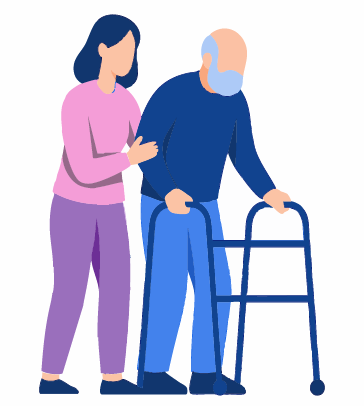
Elderly people are the main user of SenSights.Al application. The target audience is Seniors aged 60-80’s who required someone to take care of them. Specially, those who are not familiar with a tablet or mobile.
Family of Patients
Family of Patients Family, relatives, or friends who are helping the patient during using the application is essential. The family is usually the first point of call for decisions that must be taken about the patient.
Hospital/Homecare Staff
Staff Physicians, nurses, Caregivers, and Pharmacy: They are directly involved in the patient’s care every day. They have a meeting every morning to determine the patient’s status for what is the best for them in the future.
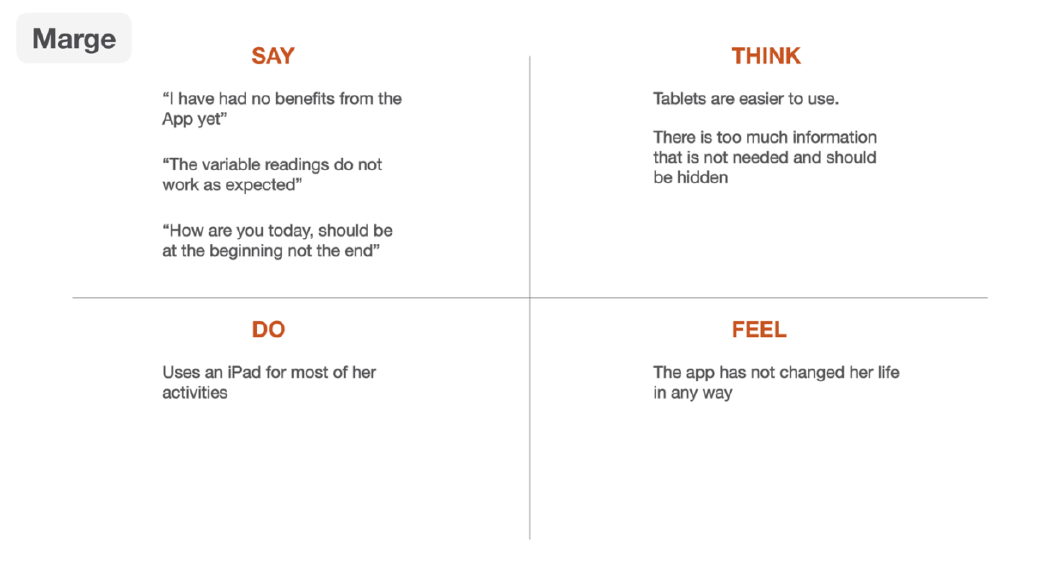
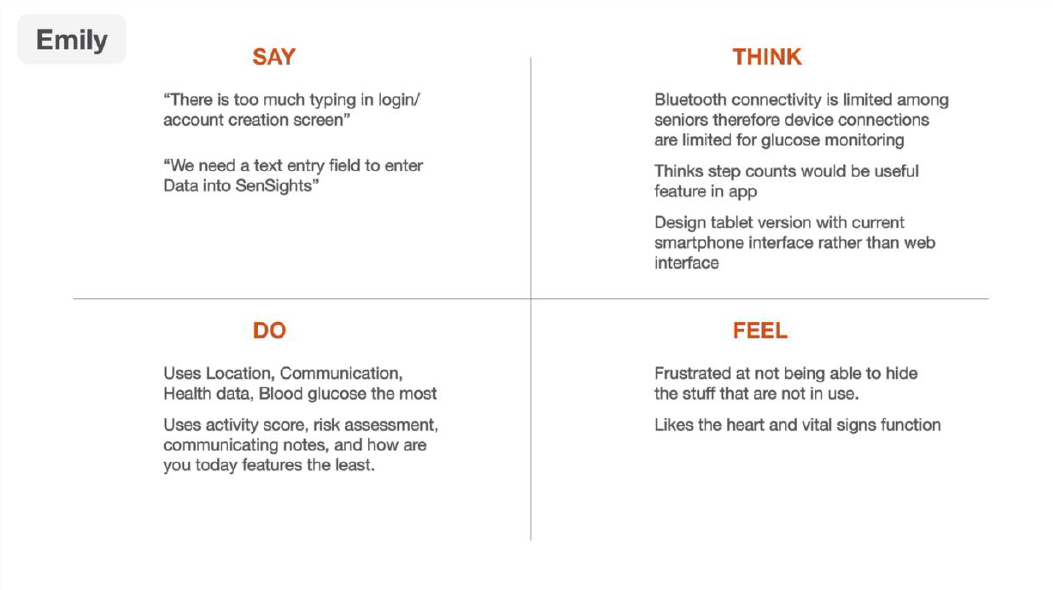
Empathy Maps
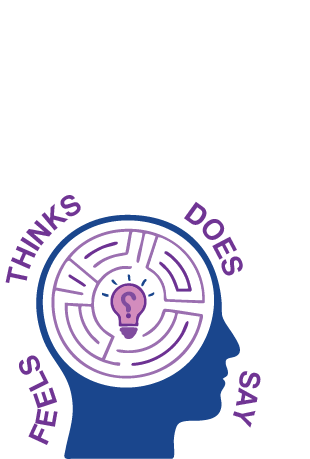
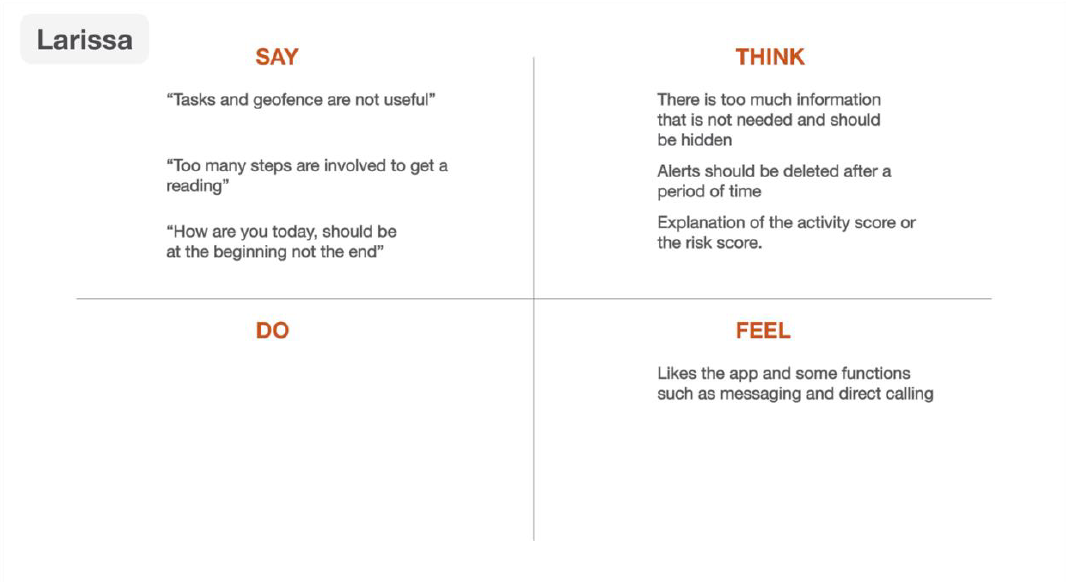
An Empathy Map is a technique whereby we try to understand the user and discover insights after an interview with the user. A quadrant is used to breakdown proceedings of the interview into four sections, namely Say, Do, Think, Feel. As they are worded, we write out what the user said during the interview, what they did, how they perceived things (thought), and how they felt. It is usually in the last two quadrants (Think and Feel) that insights are discovered, and design opportunities are cultivated.
Design Thinking Sessions
How Might We’s (HMW)
In How Might We’s, we make several statements asking ourselves or the group how we can tackle the given problem.
The phrase “How Might We” is used at the beginning of every question. Many such questions can/should be generated. Two or three of the questions are then narrowed down to be focused on. An example below:
- How Might We help Users have an easy login experience without any confusion?
- How Might We create a user-friendly version of the Sen sights app?
- How Might We show the user only the relevant information without sacrificing functionality?
- How Might We make the user understand each step of the process without any confusion?
- How Might We ensure that every functionality we provide to the user is useful?
- How Might We reduce the number of steps to reach a certain action?
Point of View (POV)
Point of View We would like to help seniors get the best use out of our app despite the fact that many find it difficult to use and not too beneficial We would like to help Markitech grow the Sensights app and increase its usage despite the fact that the adoption rate is low currently.
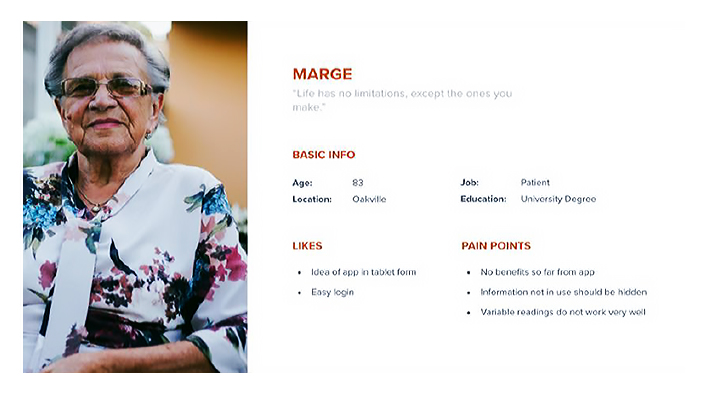
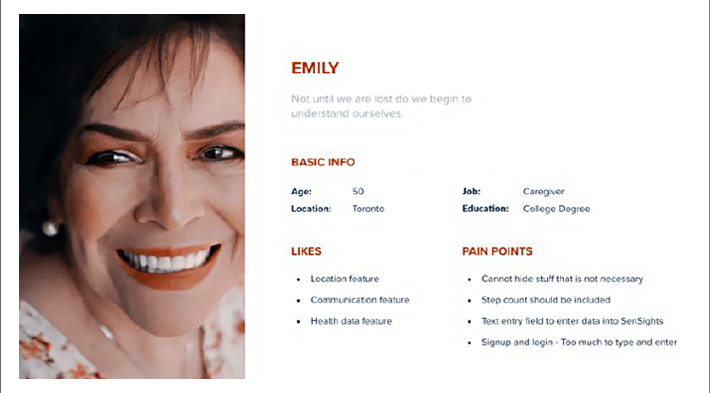
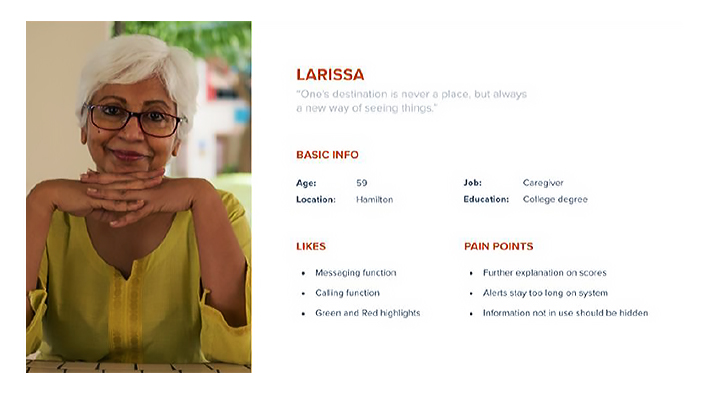
User Profile

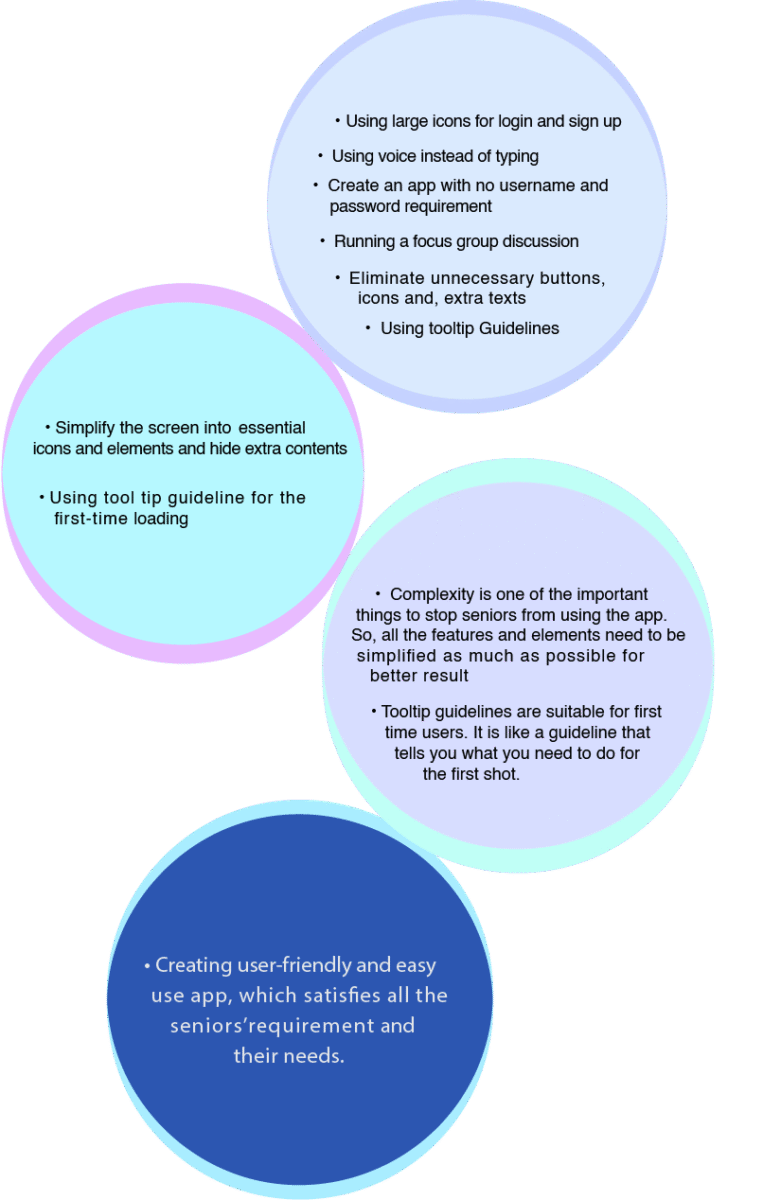
Bubble Diagram
Insights and Opportunities, Point of View, How Might We Questions, What If Questions
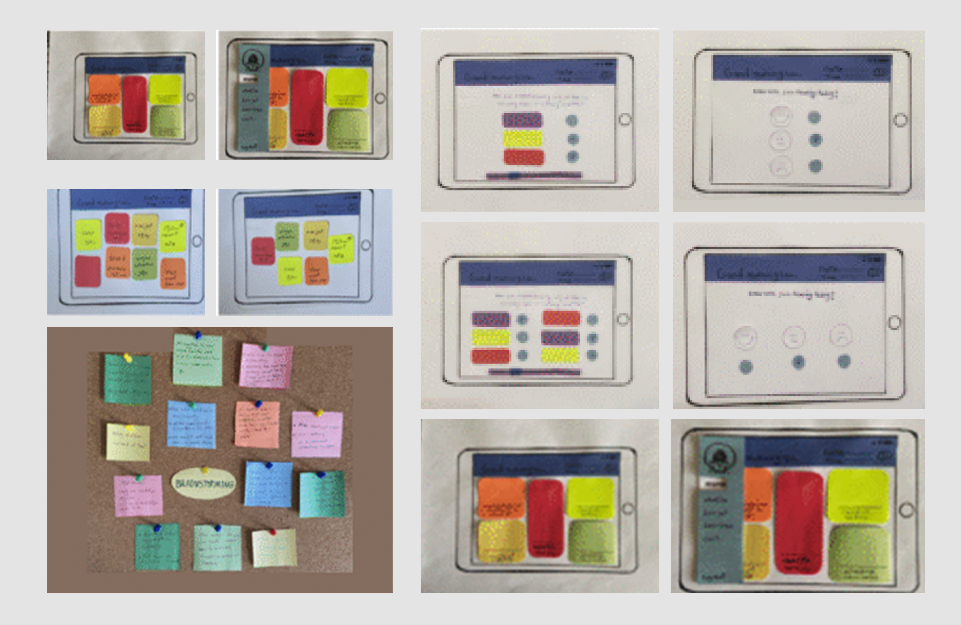
Sketches – Low & High Fidelity
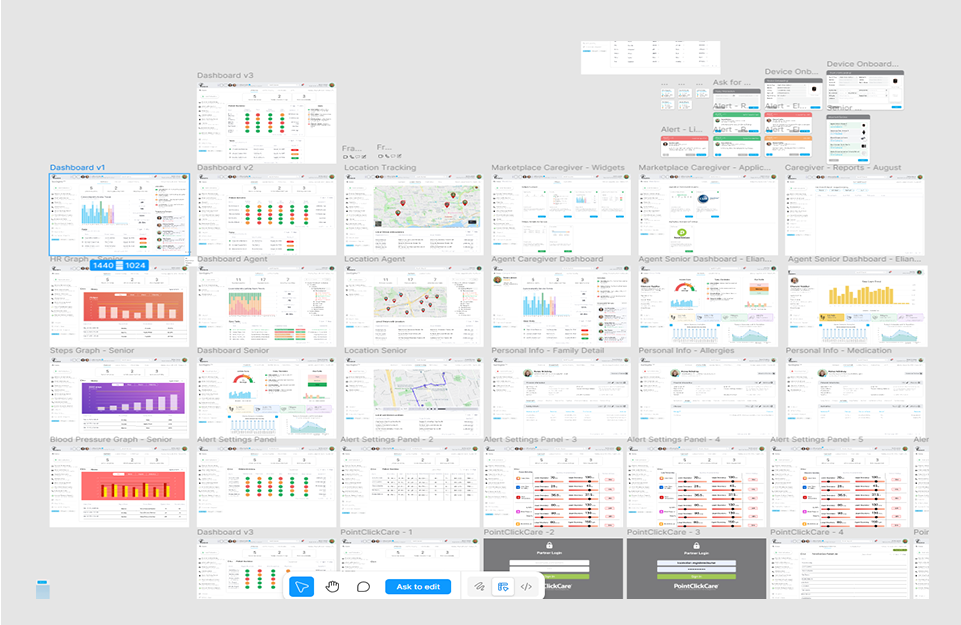
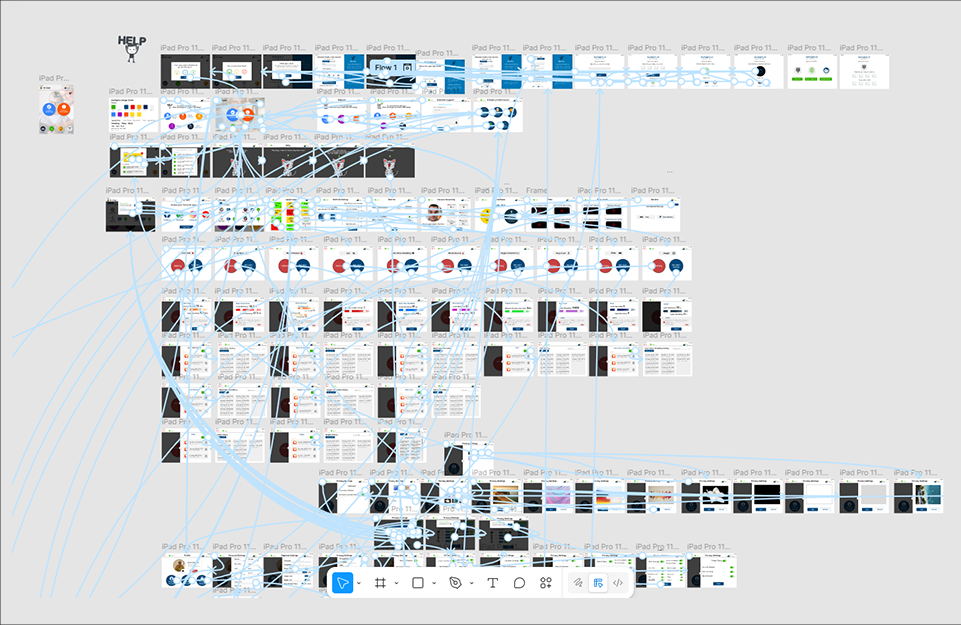
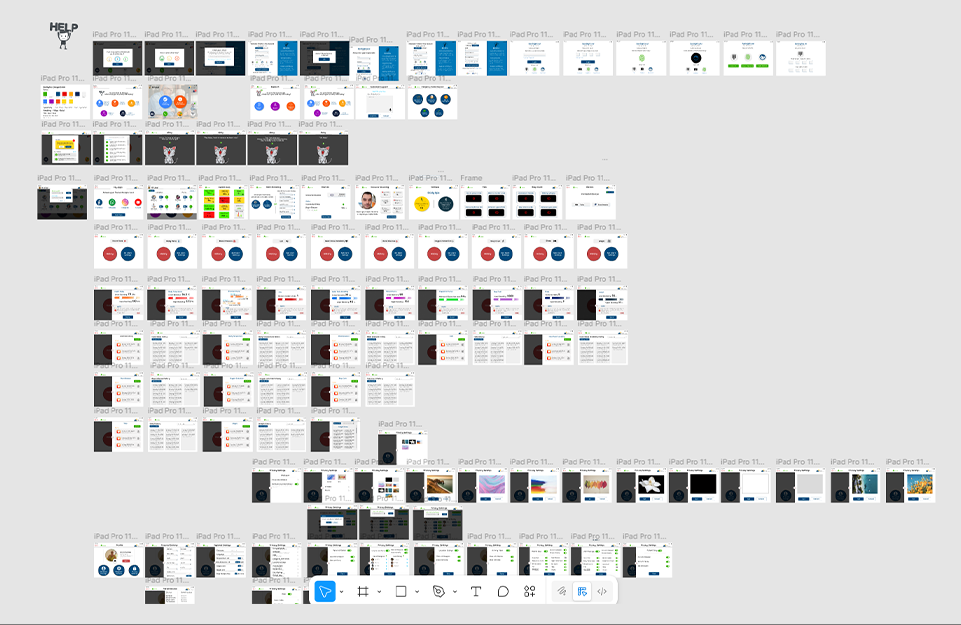

User Interface Overview
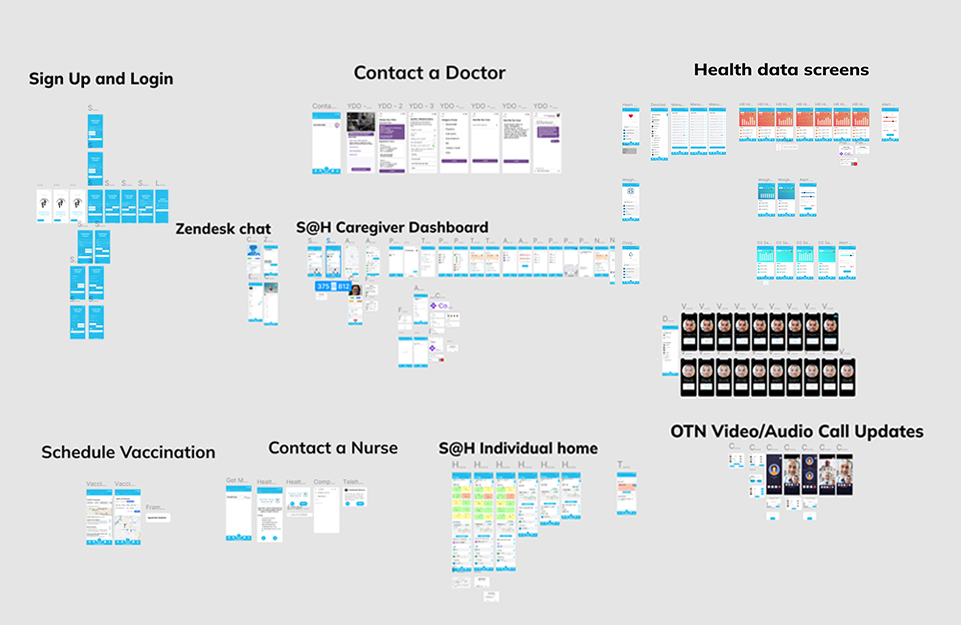
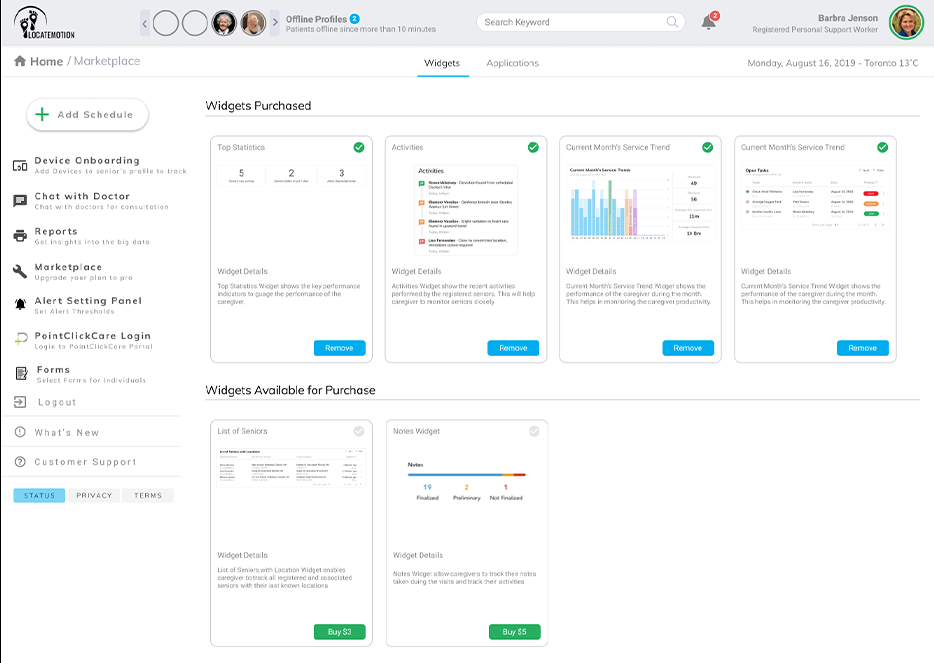
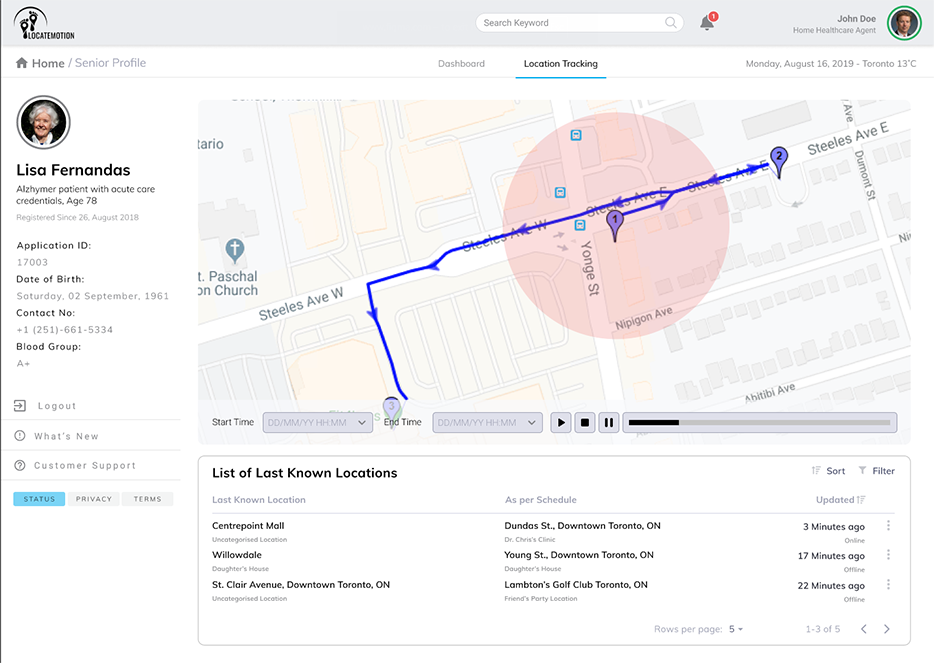
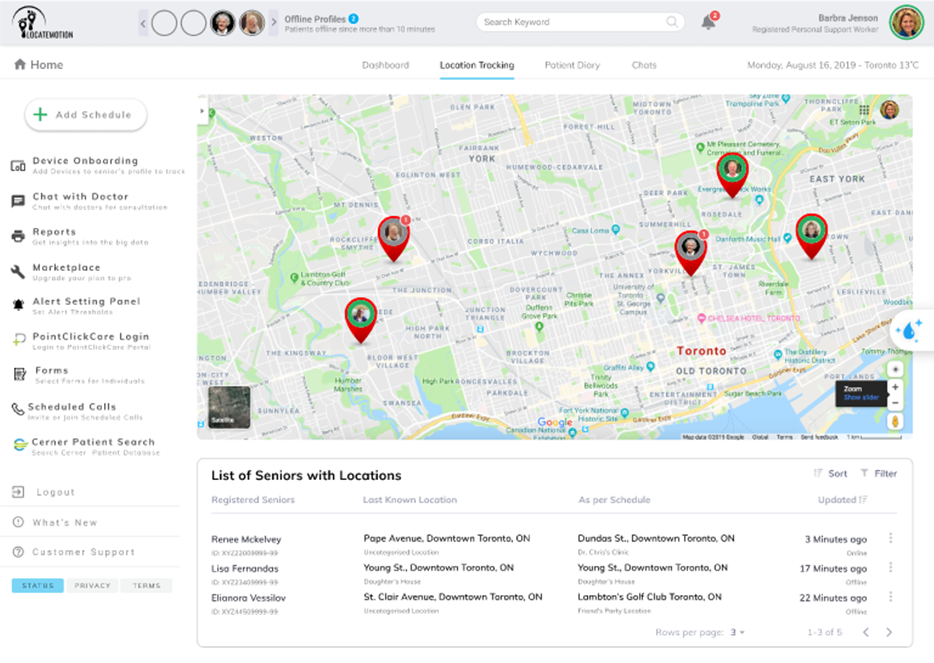
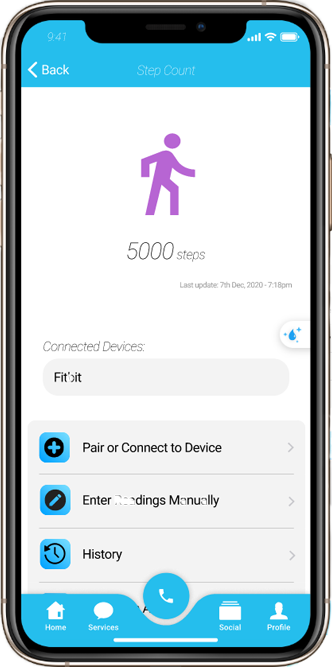
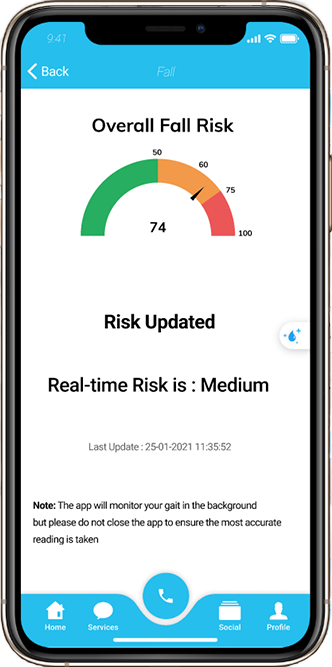
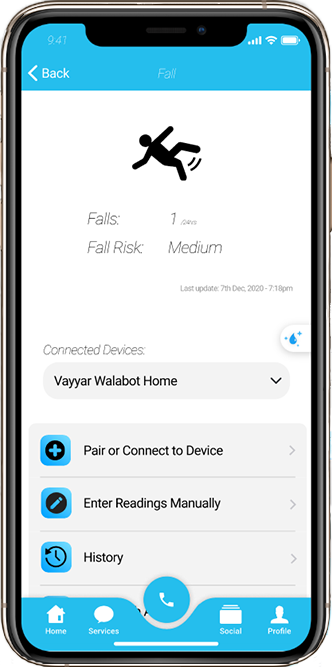
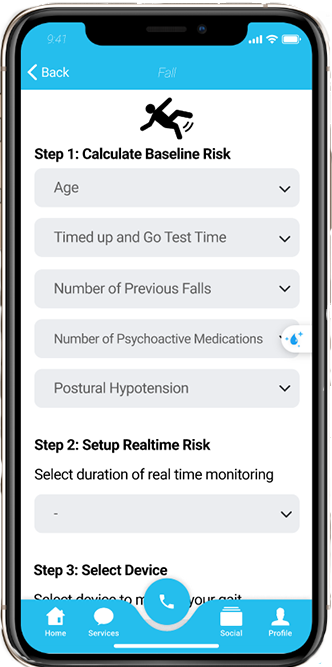
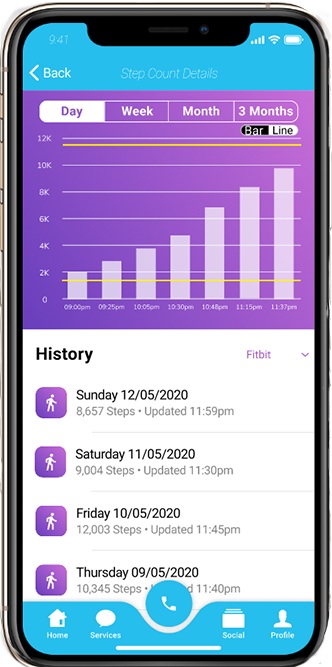
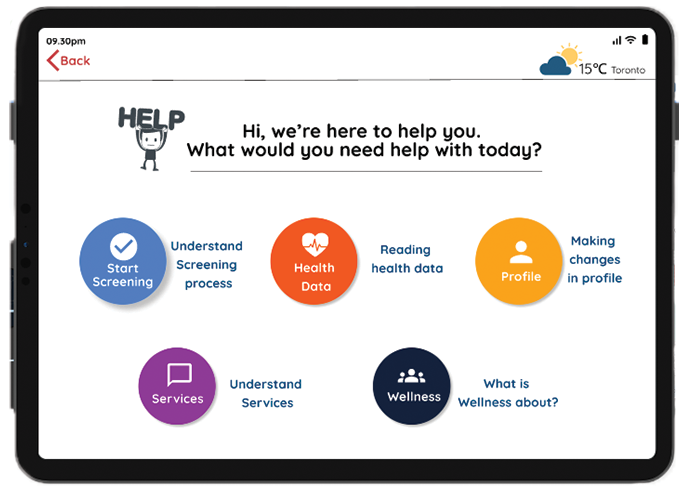
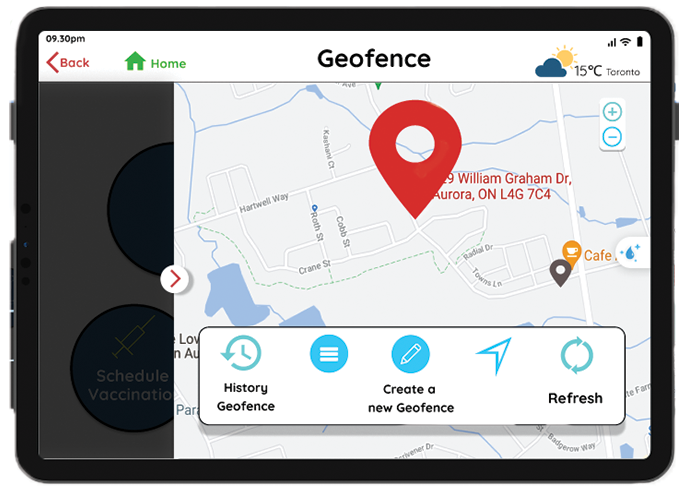
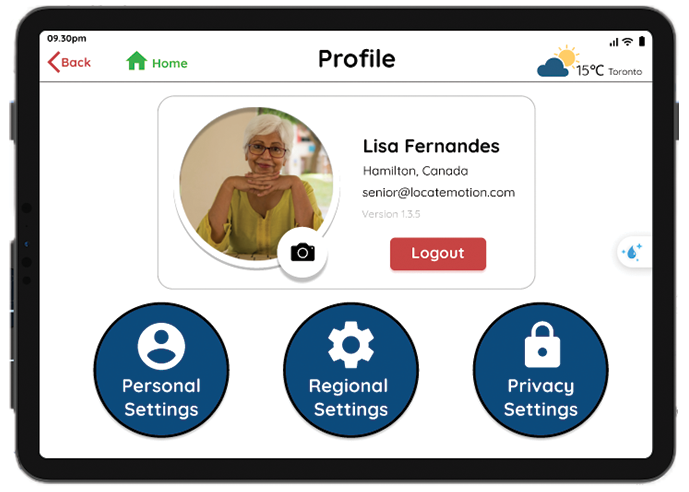
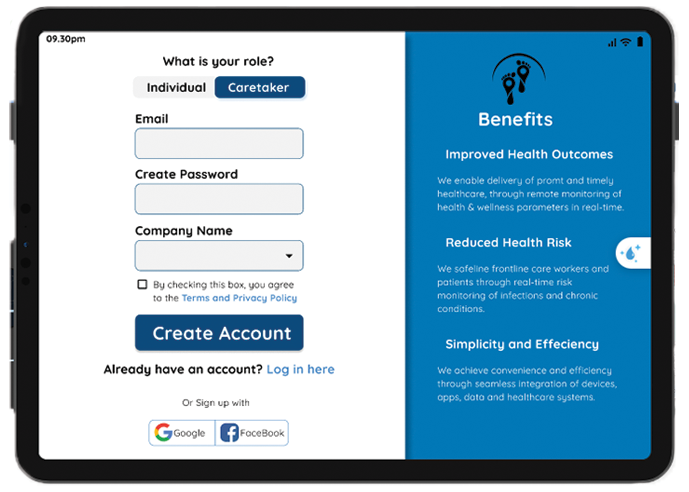
Designed for clarity and ease, the interface features clean layouts, consistent visuals, and intuitive navigation. Each element, color, typography, iconography, works together for a seamless experience across devices, ensuring users stay focused and in control.
Desktop Version (Overview)
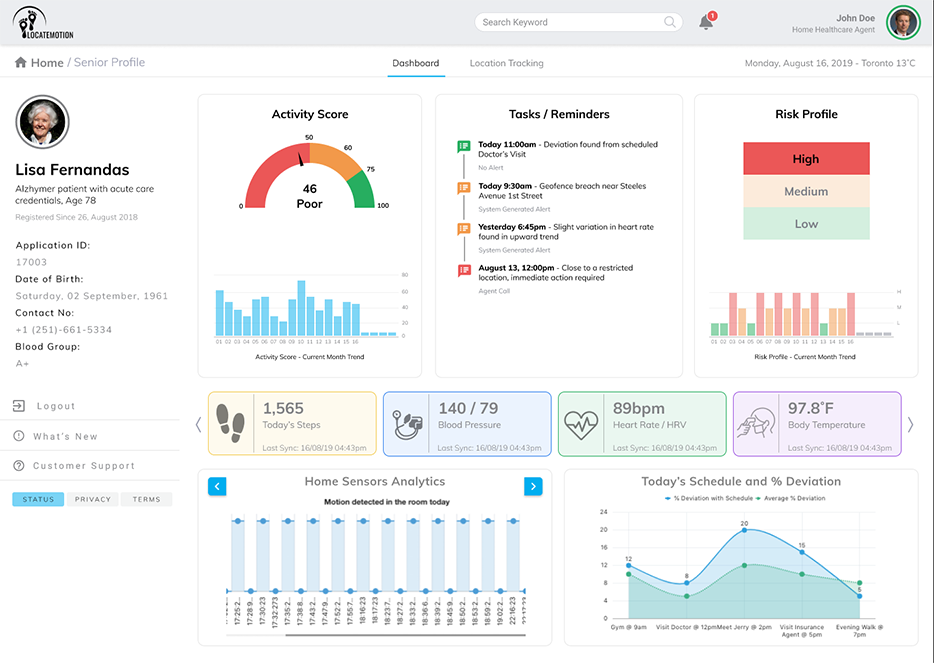
Mobile Version (Overview)
Tablet Version (Overview)
Outcome
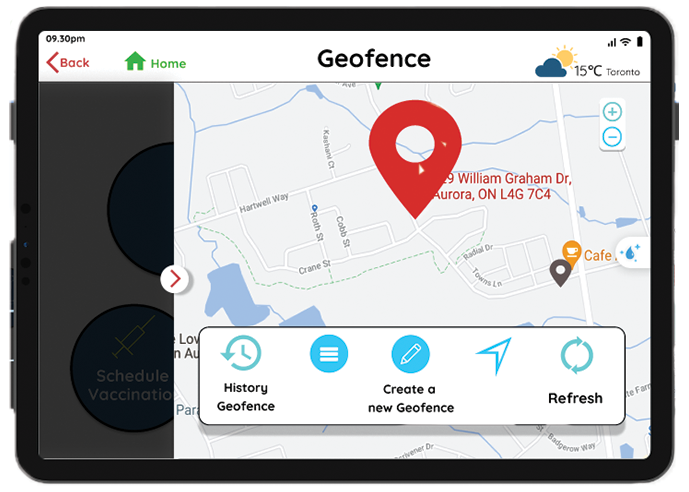
The outcome: Optimized a cross-platform healthcare ecosystem for hospitals and caregivers, streamlining real-time patient monitoring and emergency alerts while ensuringa high accessibility tablet experience for elderly users.